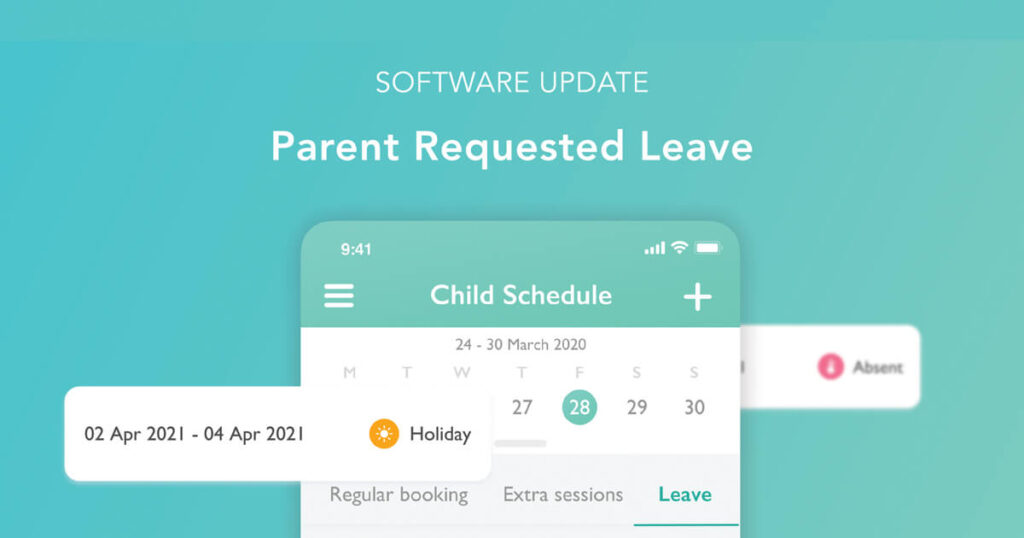
We are back to announce an exciting release that is now available on the Ovivio App. Nurseries now have the option to allow parents to input holidays and absences via the parent app.
How does it work?
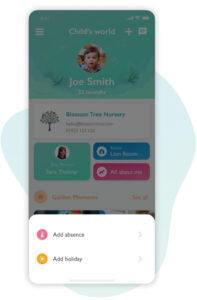
If a parent has booked a holiday, they simply need to open up the app, and add it in their child’s schedule. Parents can edit or delete a holiday up until it is set to begin.
Once a parent has added in their holiday, it will be reflected across the platform. Adding in an absence works in the same way, however these cannot be edited or deleted by the parent.
What will look different on the nursery app?
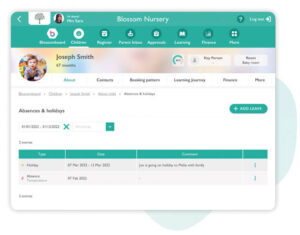
Nurseries have the ability to turn this feature on and off in Parent App Settings. You will also find an overview of a child’s leave on their profile page in Ovivio.
Curious for an Ovivio Tour?
If you’d like to learn more about how Ovivio can help manage your Early Years setting, why not book your 1-2-1 demo?