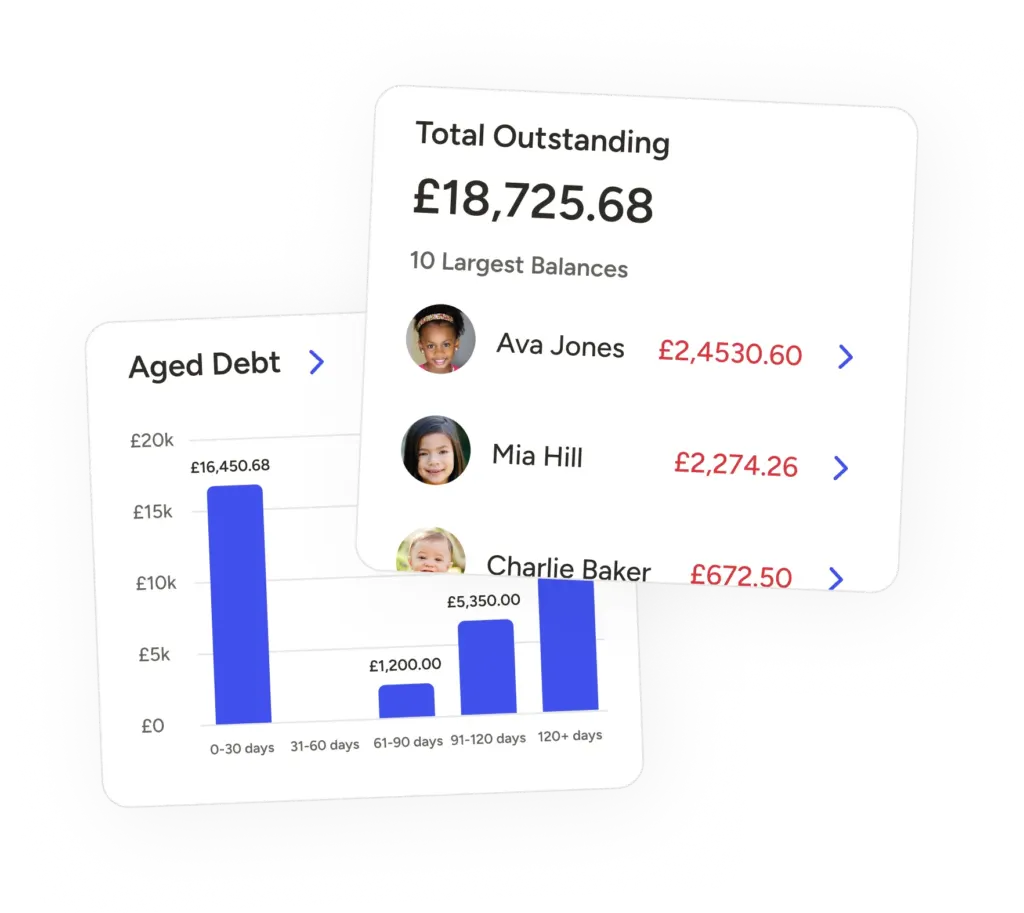
Only Ovivio users who are managers and nursery admins can see the financial information. Role permissions are easy to set up during initial onboarding or later.
We recommend that the nursery owner sets up the Stripe account, as it requires business financial information to set up. If you've got a Finance Manager or similar, they'd be suitable too!
To disconnect from Stripe, you will need to deactivate the payment methods to ensure no new payments are added (More > Settings > Finance > Ovivio payment Gateway > toggle off all payment methods). You must then wait for the ongoing payments to be processed and paid out. You will then be able to proceed with disconnecting your account, and charges will stop the following month.
Yes, Ovivio Pay is now available to all customers with no upfront costs. You'll need a free Stripe account, but after that you're free to turn it on and off at will. Just remember that it's tied to Tax-Free Childcare, so if you want instant HMRC reconciliation you'll need Ovivio Pay turned on.
Only accounts set as the primary bill payer and finance contacts can access Ovivio Pay.