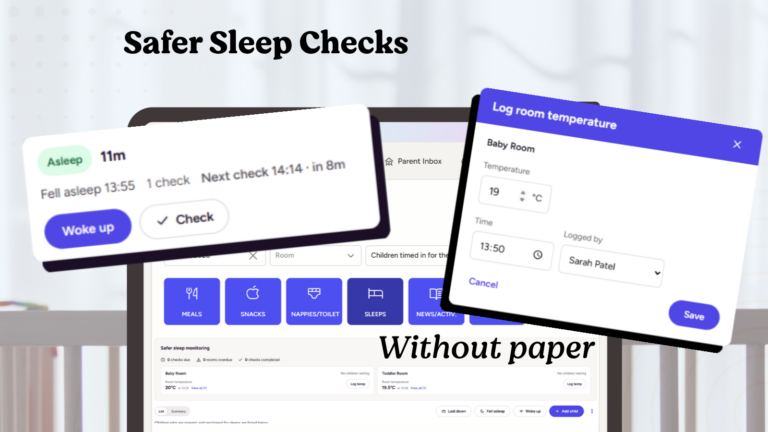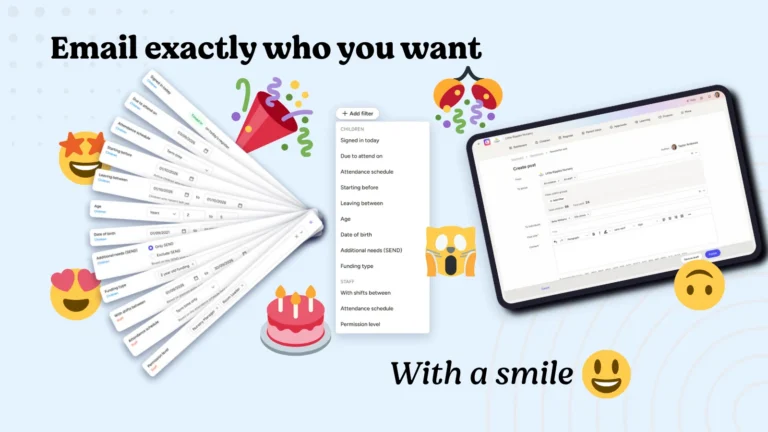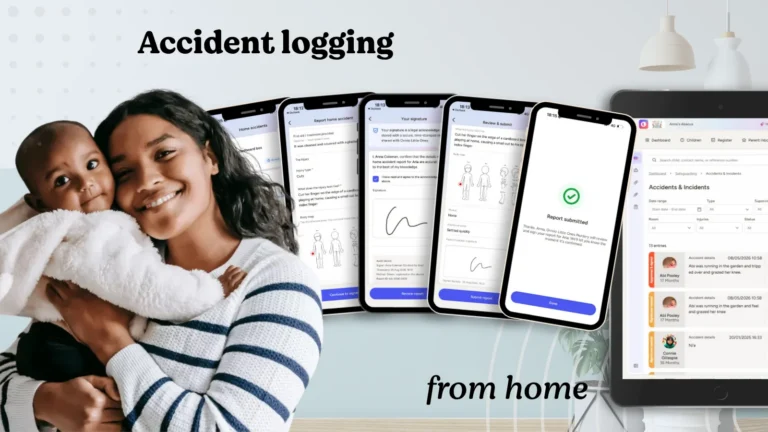







We’re now a few months into the colourful new world of Ovivio, and we’ve been busy listening to feedback and working on improvements alongside some new features that are on the way. Software development is never one-and-done, and we wanted to give you lots of these little updates all at once.
So let’s dive in!
Colours
Ovivio is packed with colour – just take a look around our website if you haven’t already (or even just our logo in the top left!) to see those colours in action. Orange, purple and blue in a range of gradients – and then a platform that’s been mostly white up until now.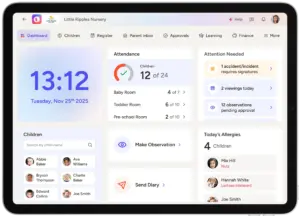
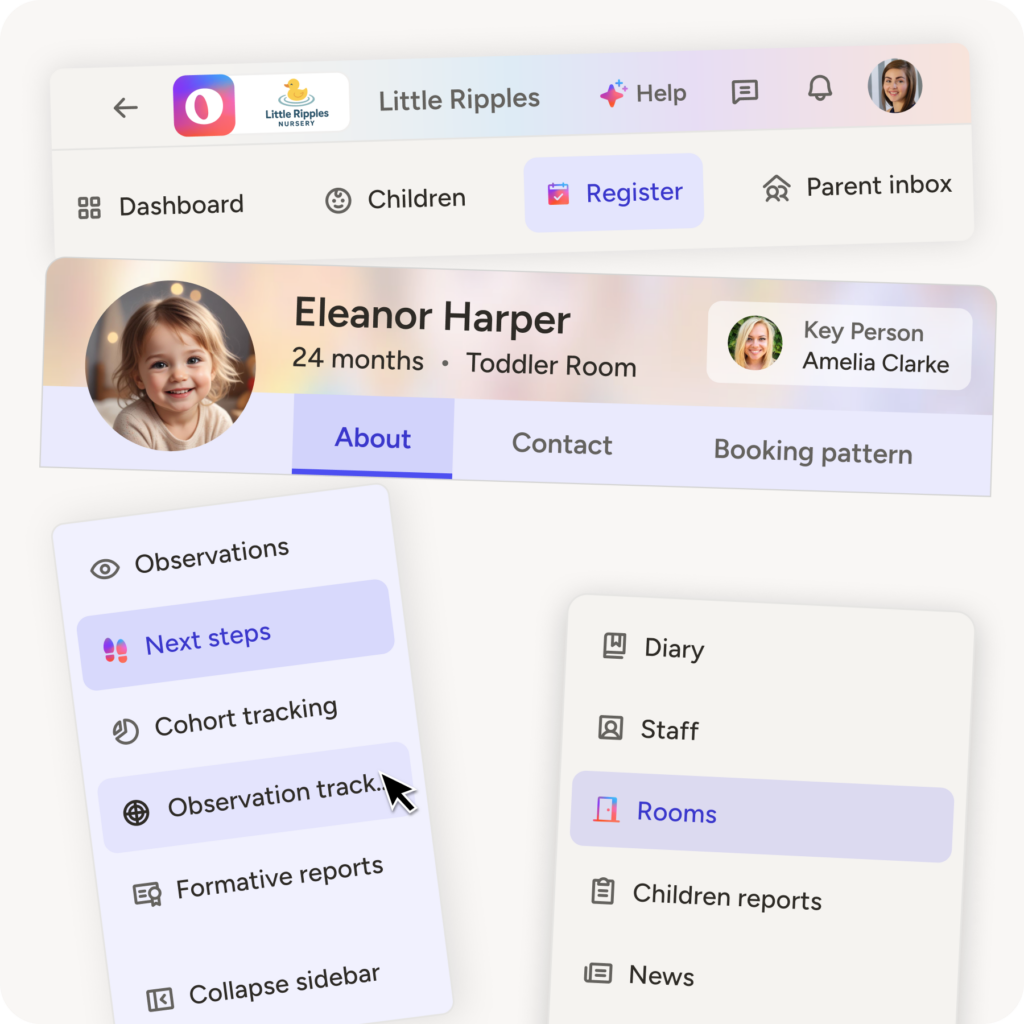
With that in mind, we’ve added more splashes of colour into the platform to improve contrast and readability, as well as make it easier to look at for long periods of time. It’s a comfort change, and means you won’t have to adjust your colour brightness to make it softer on the eyes.
We’ve also made a little change to the Ovivio logo icon in the top left corner. No more danger red!
Navigation
The top-line text and icons are bigger! A little thing that hopefully helps a lot, along with the fact when they’re selected it’s now purple instead of grey. We’ve applied this to menus as well, making everything clearer as you’re whizzing around your platform grabbing stats or logging naps.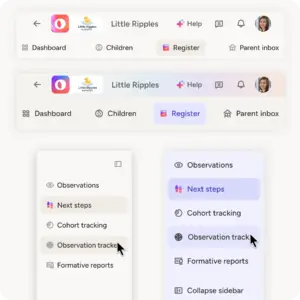
The left-hand menu on most sections now stays open until you close it, so remembering where you are or where you want to go is a doddle like it used to be. You might have noticed this one already, but we’re shouting about it now!
Usability
Scrolling is now a little different with some elements sticking to the bottom of the screen, so leaving the tab and coming back doesn’t leave you unclear as to where you are in the platform. Line heights have been expanded (no more squashed paragraphs), statistics look nicer, important things are now bigger than less-important things, data pickers are bolder…in short, if you have to look at it, it’s better!
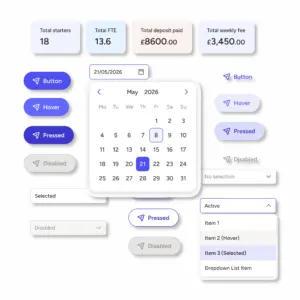
If you don’t have Ovivio already, well these changes will simply be what the platform looks like for you. Want to see it in action? Book a demo!
Book an Ovivio demo: