


















We’ve been looking at other areas of your nursery platform to see what we can make easier, following on from our other smaller user experience (UX) updates at the beginning of the year. This time it’s the child profile, contact creation and staff rota that’s been under our design microscope, informed by your feedback.
We’ll go into each in more detail, but here’s the summary of what’s included in this update:
- Parents often live at the same address as their child – and now you can copy that address when adding a contact
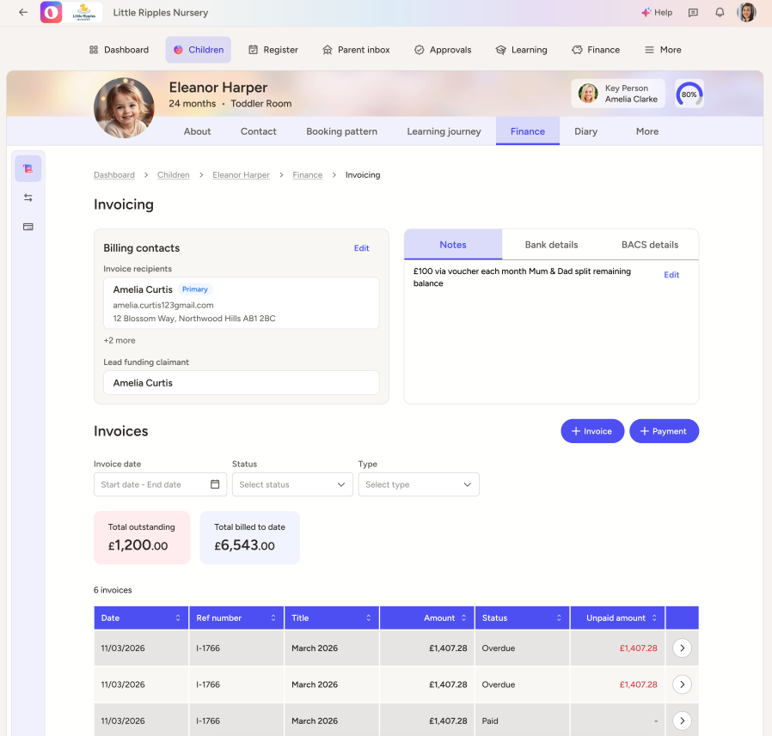
- Invoice recipient and lead funding claimant can now be set from the contact creation, speeding finance setup and reducing invoicing errors
- Cleaner Child Contact and Finance Contact pages for quicker comprehension
- National Insurance Number and ‘Use Child’s Address’ added to registration forms too
- Staff planning is now simpler with an overhaul of the time picker and copying staff rotas to other users
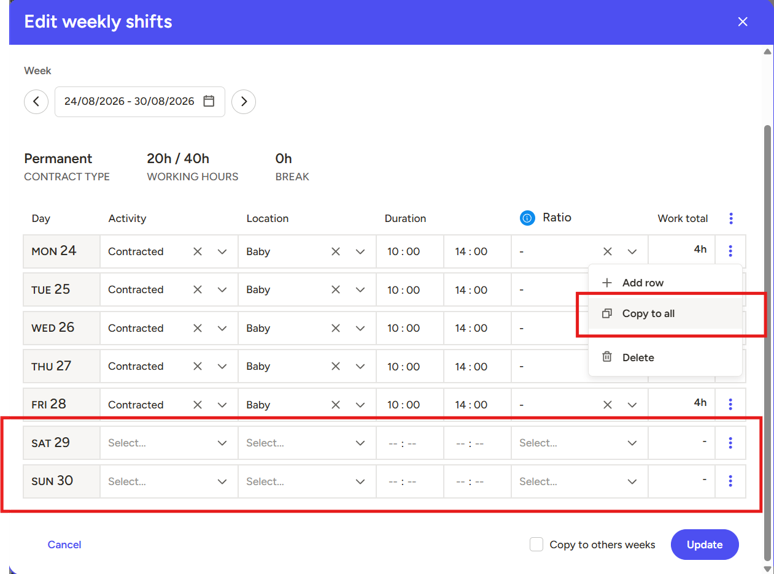
- Including copy-to-all based on days the setting is open – like excluding those pesky weekends!
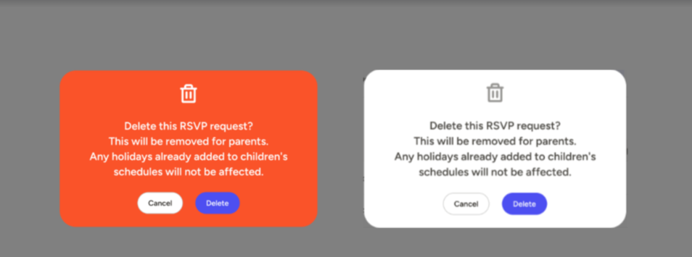
- No more danger red causing pop-up panic
Child Contact Improvements
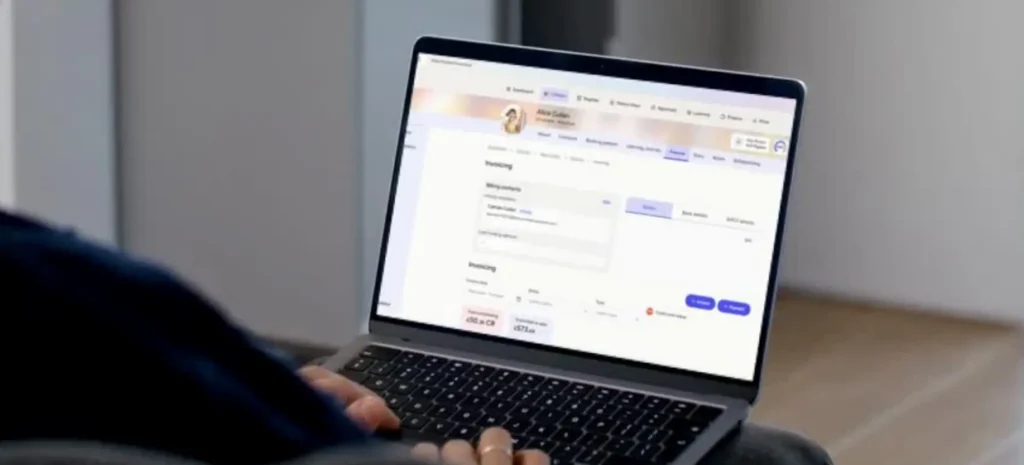
It’s ‘just’ a few little toggles and some extra columns, but we’re confident you’ll feel the difference if you’re the nursery administrator. No more typing out addresses over and over again – once you’ve put it on the child, you can copy it to any contacts associated to that child. Especially if you’re creating one after the other.
Turning them into an invoicing contact is easy now too, without having to do it in a second area – just flip the ‘invoice contact’ toggle and hey presto, they’re an invoicing contact. From here you can also set them as the ‘primary’ invoicing contact (automatic if they’re the only contact), and set them as the Lead Funding Claimant – renamed from the previous ‘Funding Loop Contact’. There can be only one.
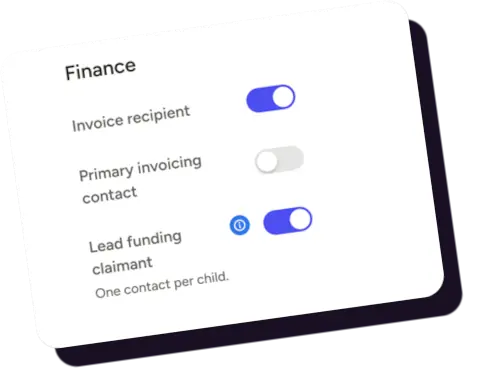
When looking at finance contact pages, there’s now columns when viewing and adding contacts. Much easier to use, simple dropdowns, and easier to understand at a glance. Perfect during a long day of admin.
Staff Rota Usability
We’ve been told, and experienced it for ourselves, that the staff rota is no fun to use. Not because it isn’t a useful tool, but because putting in the shifts takes an age. Well, if you’re on a computer (as opposed to a tablet), you should now find it much easier.
Why? The time picker.
Previously it took a click, a scroll, a click, a scroll, repeat for shift end, copy to all, delete from Saturday, delete from Sunday, then do this again for every member of staff. Time-consuming, and not user-friendly – so we’ve made it more user-friendly. You can now type the time, pick both the hour and minute in the same motion, and when you copy to all – it only copies to the days you’re open. Simple and effective, so if you haven’t already, why not give the Staff Rota a go?
Warning popups
It’s a little one, but should drop some heart rates and give you confidence in your clicks. Popups on actions, such as ‘Delete this RSVP Request?’, are now white instead of red/orange. Red suggests you’re about to do something terrible, white is just a heads up. So now they’re white.
Keep your eyes open for more system improvements and UX updates soon!
Book an Ovivio demo: